
Subscription Management
Edited
Step 1.
To manage your subscription product please visit RVLock.com
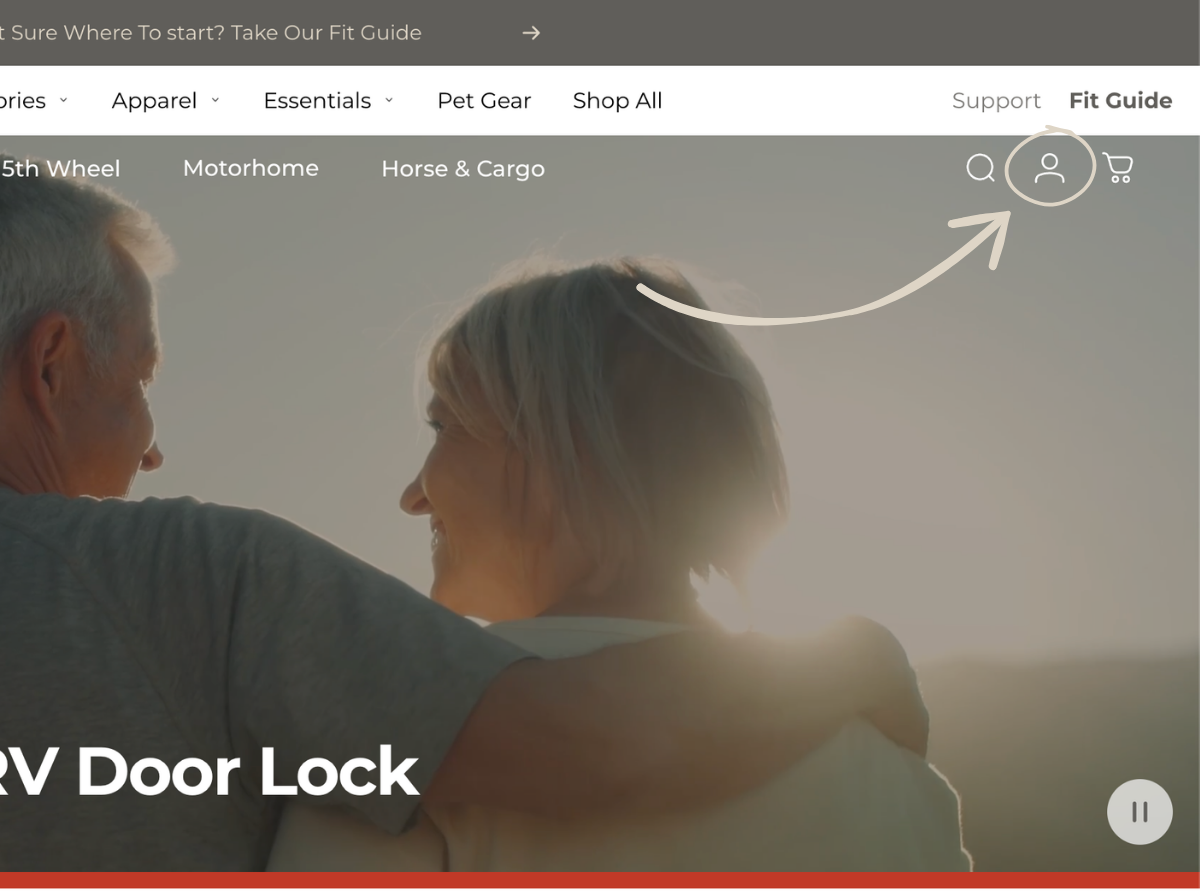
Step 2.
Open the RVLock account portal by clicking the person between the cart and search button.
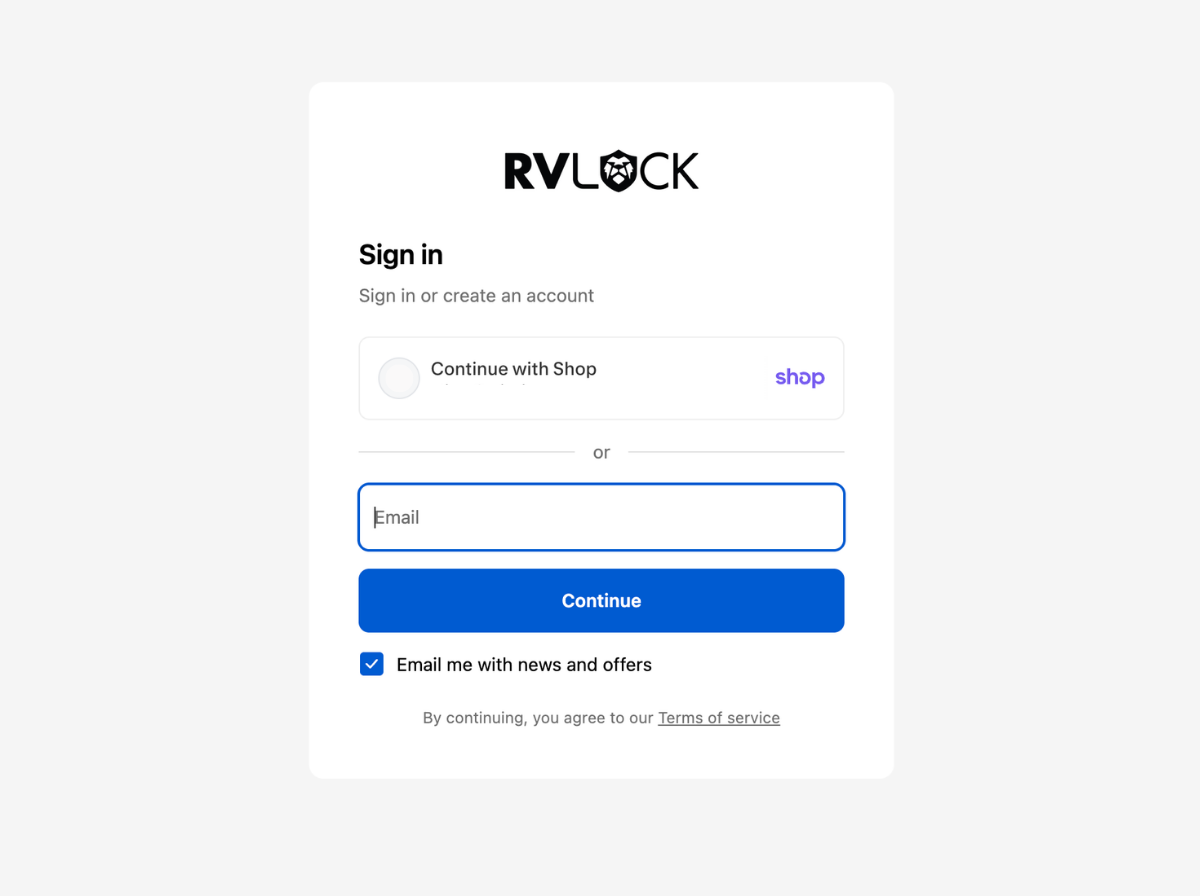
Step 3.
Once you have logged into your RVLock account navigate to subscriptions.
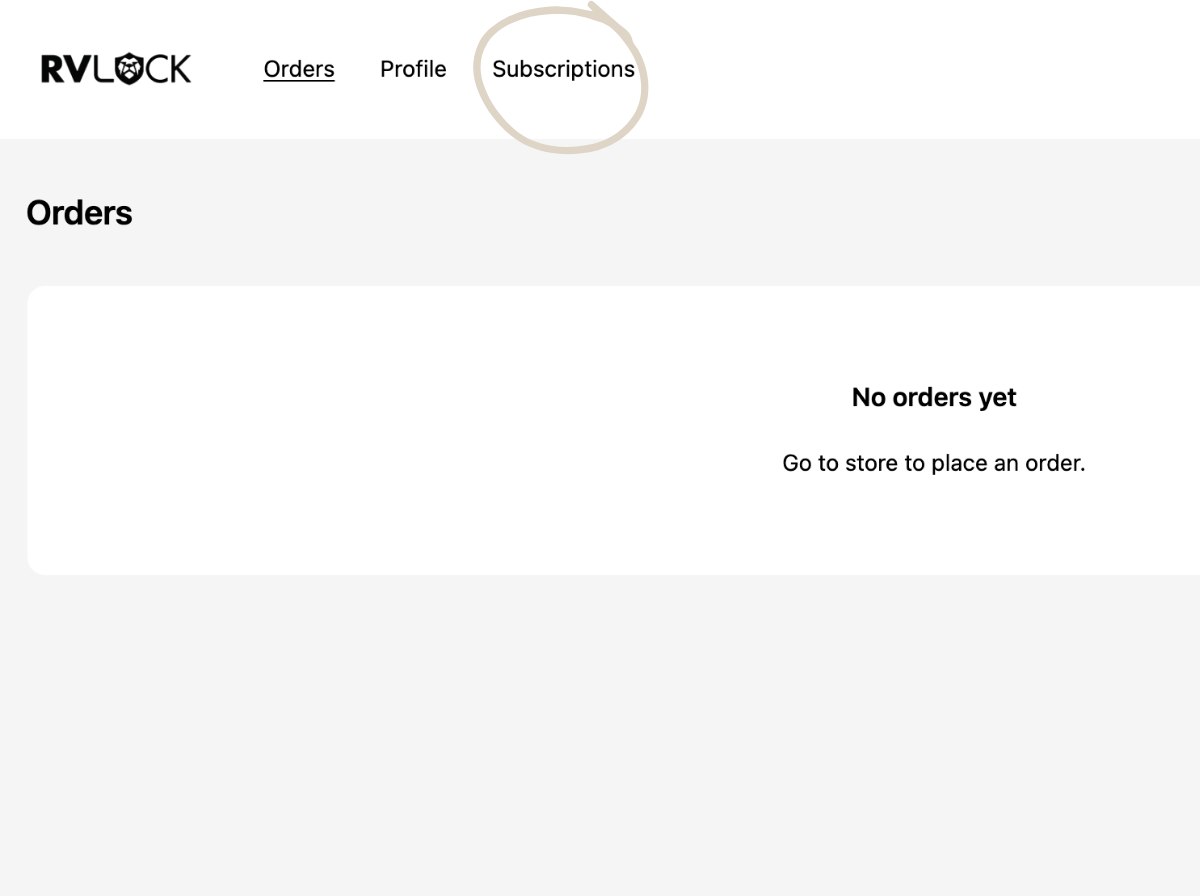
From here you can easily pause or skip your subscriptions.
To cancel you can call RVLock customer support at (888) 316-9899.
For more details please review our subscription policy here.